The handpan recording & practice app
Keep the idea. Play it your way.
That phrase you found by chance deserves another play. Record your handpan, refine the notes and turn your favourite moment into a focused practice session.
Coming to iPhone and iPad
Made for handpan · No account required · Analysis on your device
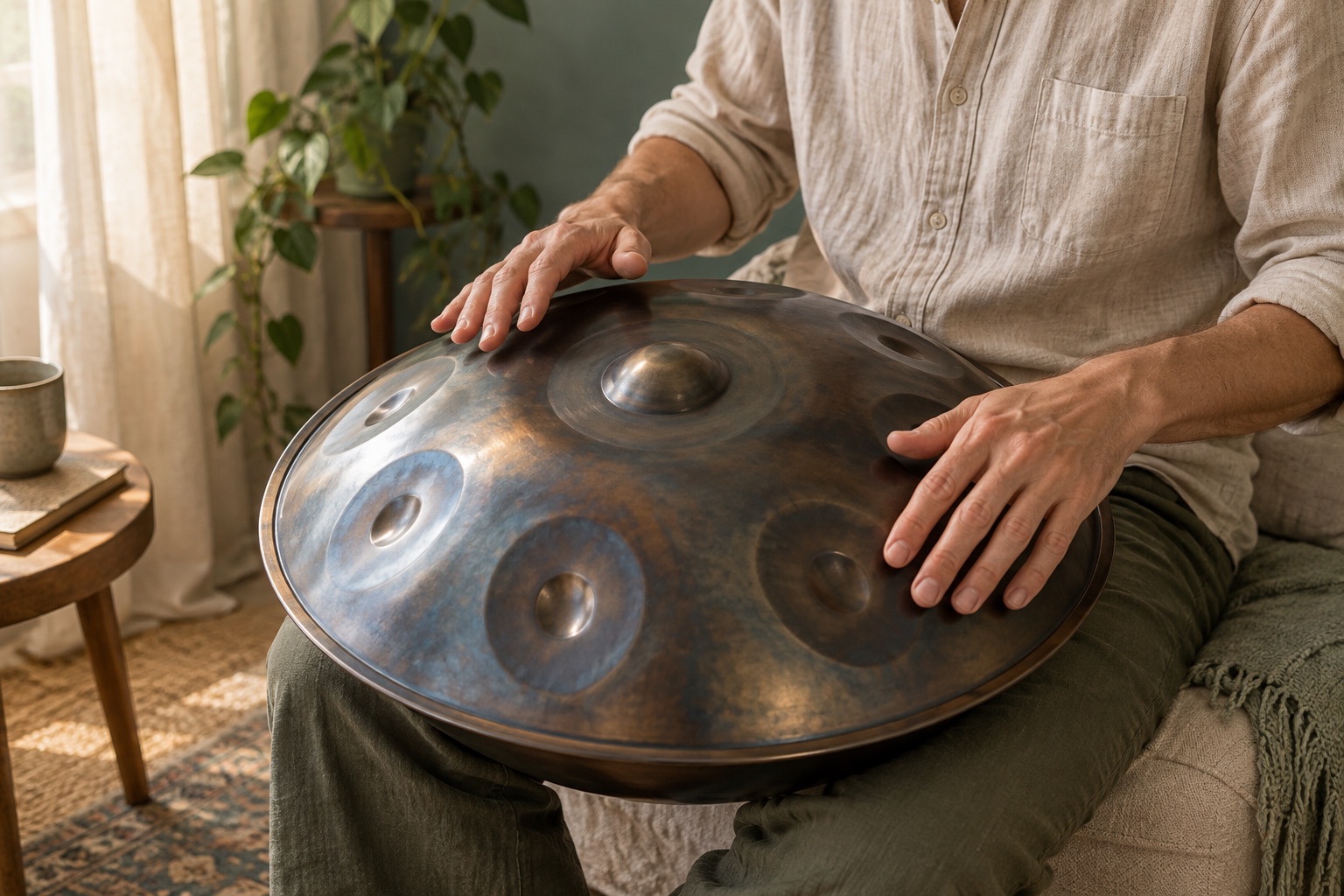
Your music, in your hands.
From first strike to next session
One idea. Three ways to make it yours.
Keep the sound, understand the notes and spend your next session on the part you love.
01 · Capture
Record the moment.
Choose your handpan profile, then record a phrase or import audio. Your own library keeps the ideas you want to return to.
02 · Refine
Find the notes.
Listen alongside suggested notes. Correct uncertain pitches, add missing notes and confirm tempo and meter. Your original recording stays intact.
03 · Play again
Make it playable.
Choose a passage, slow it down and repeat. Save your loop so your next session starts with a clear focus.
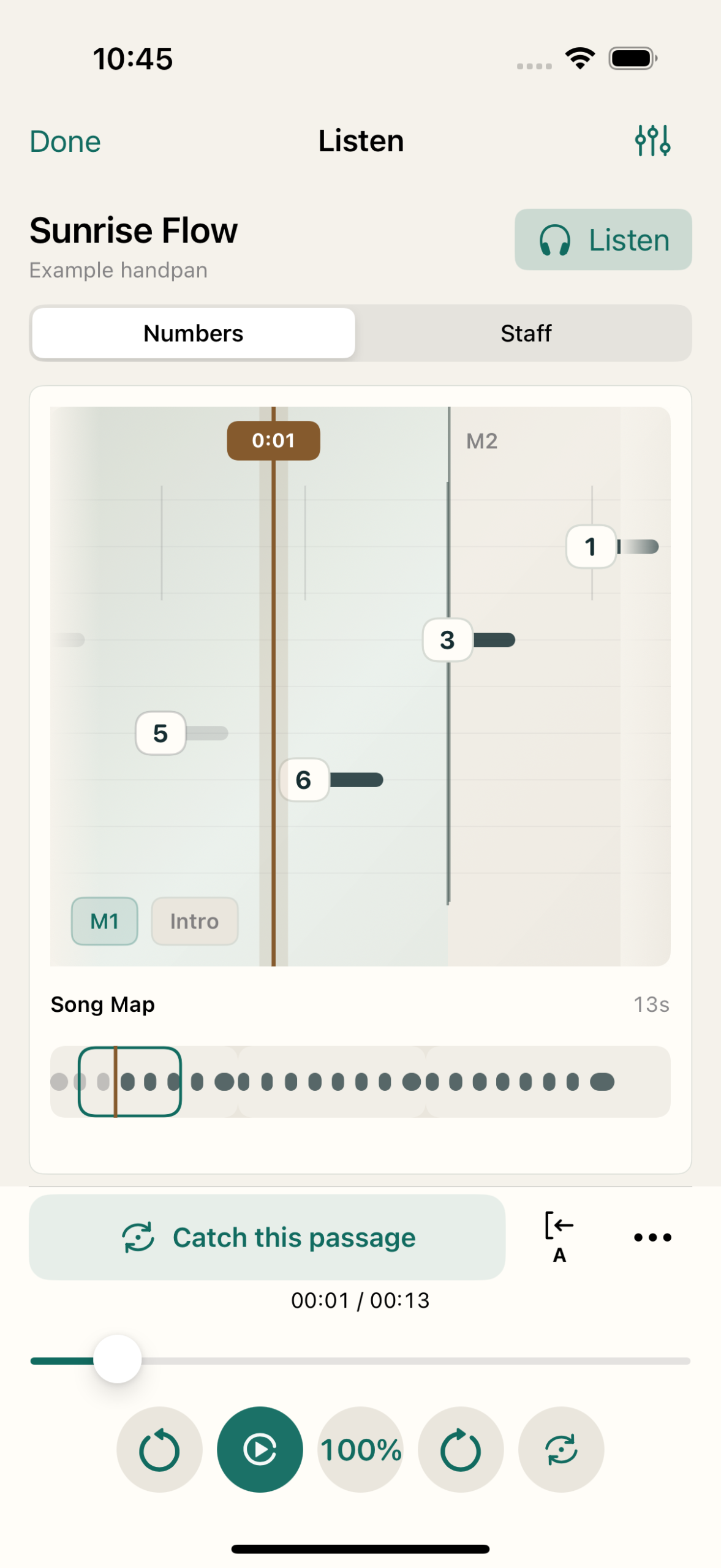
Your music, clearly in view
Less rewinding. More playing.
Follow the notes as you listen. Catch the phrase you just heard, or mark your own start and end. Keep it as a loop and give every repeat a purpose.
Choose a tempo that fits.
Set playback speed or enter a BPM within the recording’s supported range. The recording and metronome follow the same tempo.
Come back to your place.
Your saved position, loop and speed are ready when you return. Playback opens paused, so you choose when to begin.
Built around your handpan
Your tuning. Your pace. Your next step.
Match the app to the pitches, octaves and note layout of your instrument. Build a short session around a chosen phrase and the passages that need attention.
A reference that fits.
Save your handpan profile and calibrate individual notes to help the app interpret what you play.
Progress you can work with.
Adaptive practice builds tempo after reliable, complete attempts. Uncertain input pauses progression.
Live feedback evaluates individual notes and needs calibration, microphone access and headphones.
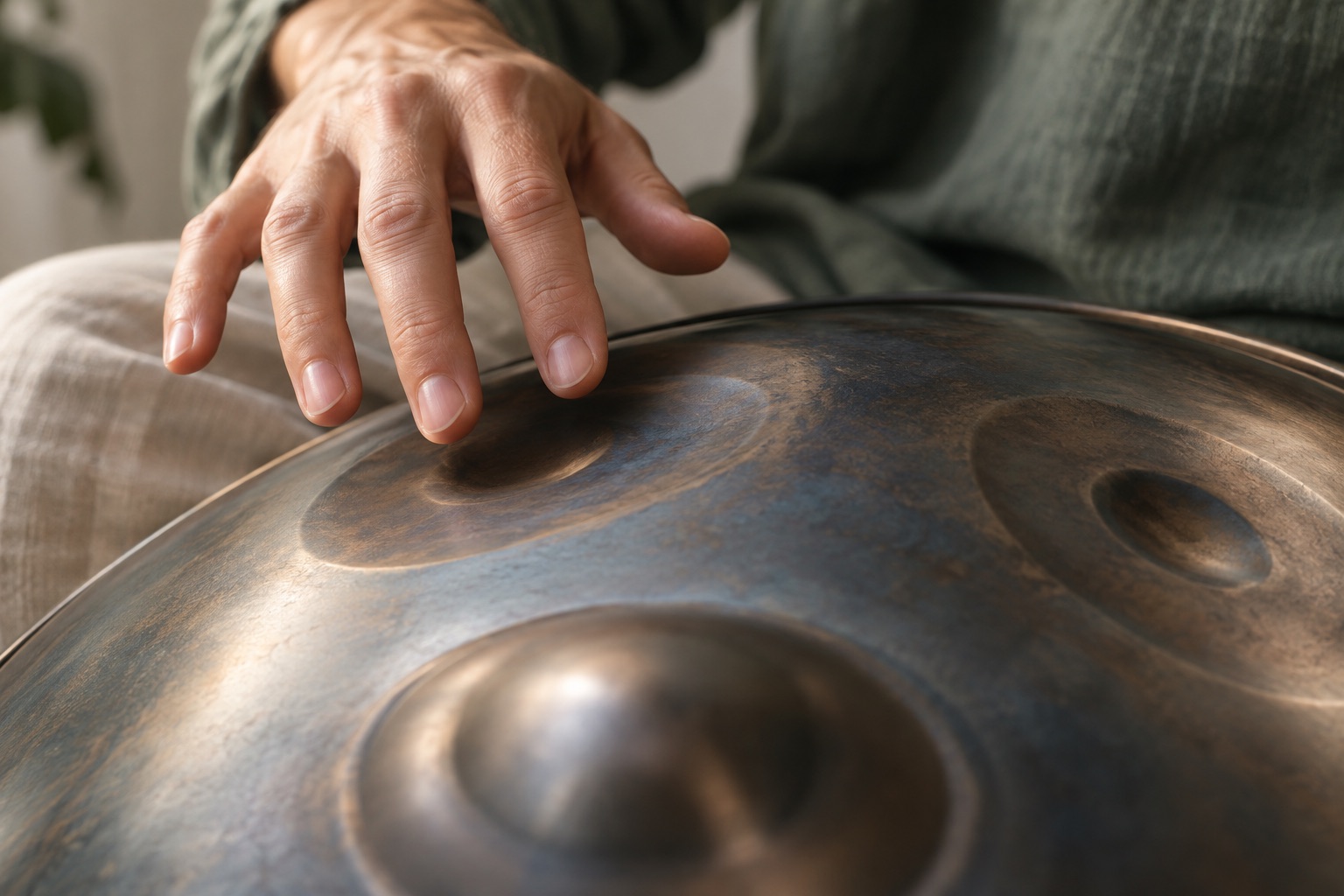
Take the idea further
Your next piece can start here.
Keep the original sound or take your reviewed notes into compatible music software.
M4A
Share the sound.
Export your recording as M4A and choose its destination in the iOS share sheet.
MIDI · MusicXML
Continue with the notes.
Export the recording’s latest saved notes and timing for arranging and notation in compatible software.
Your music, in your hands
Open the app. Start with a listen.
Try the included listening example before recording anything. No account, microphone access or instrument is needed for that first listen.
You decide when to share.
Recordings and note analysis are handled on your device. Device backups may include app data, depending on your Apple settings.
Add your own handpan when you are ready.
A little clarity before you begin
Before you begin.
Is it for beginners?
Start with the listening example, then add your handpan and record a short phrase. Explore and practise at your own pace.
Will it work with my handpan?
Use a profile matching your instrument’s pitches, octaves and layout. Accurate details, calibration and a clear recording help recognition.
Does it create perfect sheet music?
Analysis suggests notes for you to review. Overlapping sounds can affect recognition. In-app notation is simplified; MIDI and MusicXML let you continue elsewhere.
Can I choose the BPM?
Yes. Enter a BPM within the range shown for your recording. Playback supports 50–150% of its base tempo.
Which devices and languages?
iPhone and iPad with iOS 18 or iPadOS 18 and later. Includes English and Dutch, light and dark appearances, and larger text support.
HandPanPro
Make room for your next good idea.
A phrase worth keeping. A passage worth practising. Bring them together in HandPanPro.
Coming to iPhone and iPad